Laravel Cloud vs. Laravel Vapor

Laravel Cloud delivers autoscaling, zero-downtime deploys, and managed services without the AWS setup or maintenance Vapor requires. It’s the fastest way to build, deploy, and scale Laravel apps, built for developers who want to stay in the code, not the console.

Laravel Cloud vs Self-Hosting on VPS illustration

Laravel Cloud

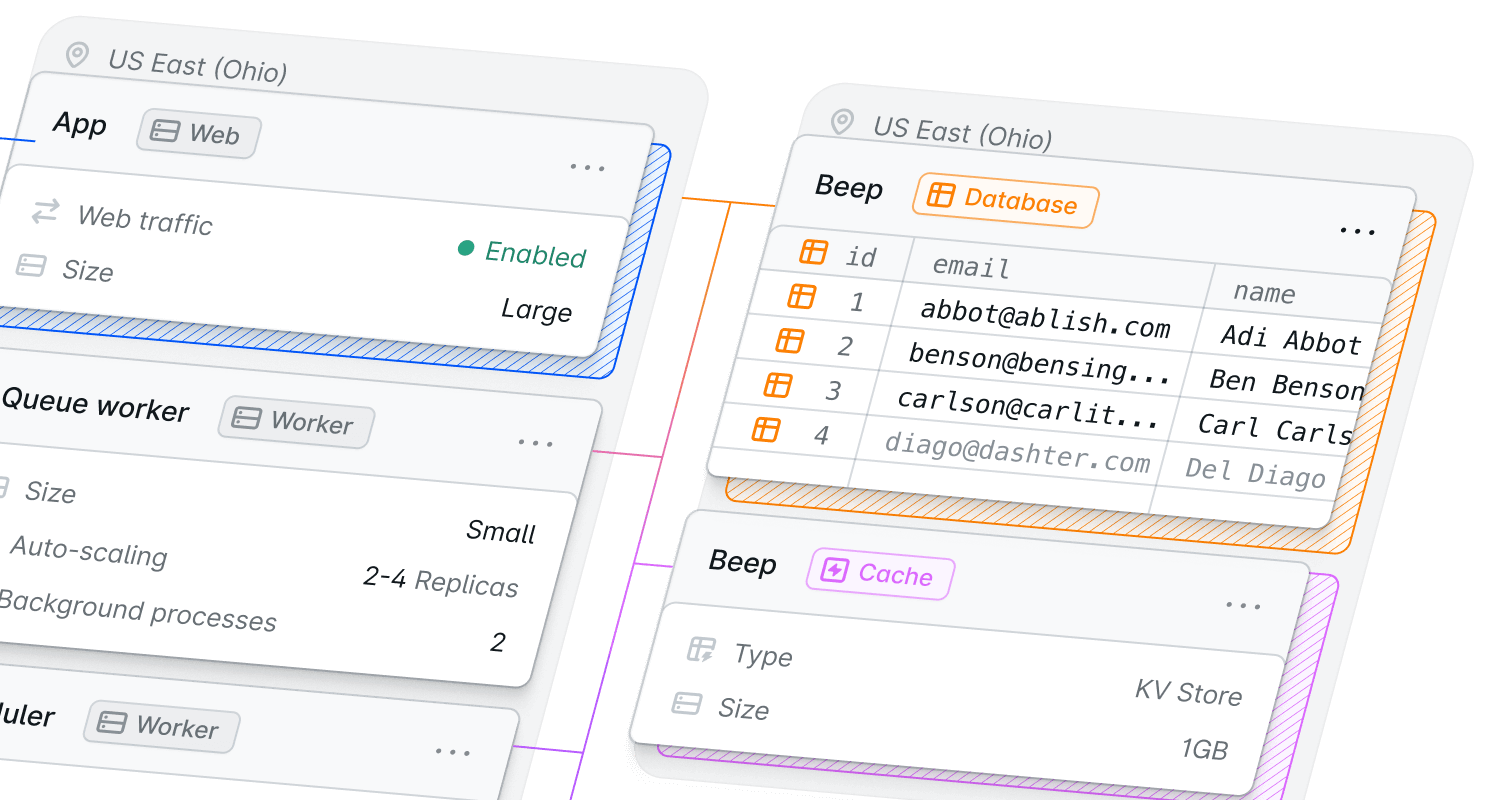
Laravel Cloud is a fully managed hosting platform built by the Laravel team for Laravel applications. It relieves developers of the burden of managing infrastructure, allowing them to ship faster and accelerate time to market.

  • Check Deploy from Git in under a minute: just bring your repo and we’ll handle the rest, from compute, databases, cache, workers, and WebSockets, to backups and SSL.
  • Check Creating a Laravel Cloud account prevents the need for creating a separate server account. You don’t have to touch IAM permissions, understand Lambda constraints, or worry about configuring supporting AWS services.
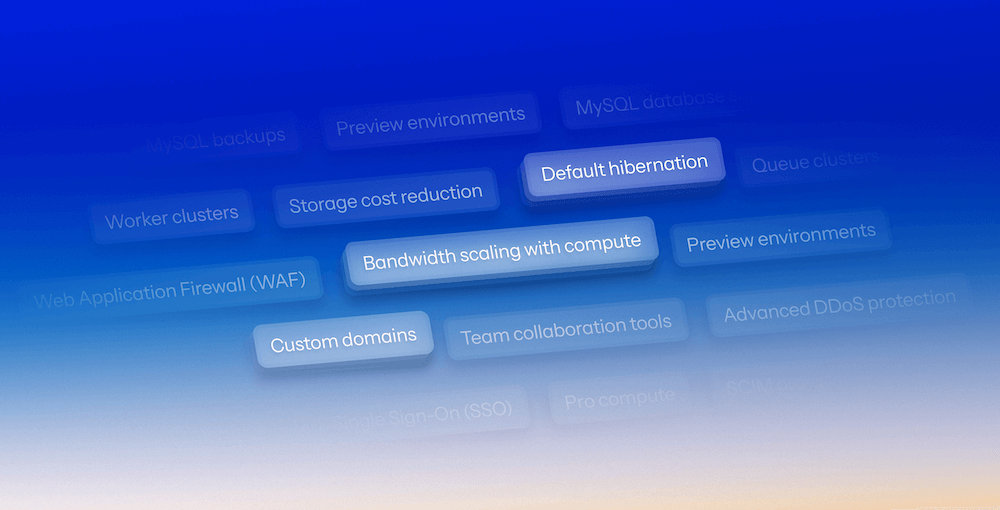
  • Check Automatic scaling and managed replicas keep performance steady during traffic spikes, while auto-hibernation saves you costs on idle apps.

Laravel Vapor

Laravel Vapor is an autoscaling, serverless deployment platform for Laravel, powered by AWS Lambda. You bring your own AWS credentials, and Vapor provides a user-friendly UI and tooling for deploying your application. It abstracts the complexity of managing Laravel applications on AWS Lambda as well as interfacing those applications with supporting services.

  • Check Autoscaling web and queue infrastructure fine-tuned for Laravel. Vapor allows queued jobs at very high concurrency via SQS and Lambda.
  • Check If you have an app with extremely unpredictable or “spiky” traffic, the ability to scale up (and down) almost instantly with serverless is a plus.
  • Check If you already have an AWS infrastructure, need specialized services, or want to mix what you build with other AWS services, Vapor may provide more flexibility. Managing these services, however, comes with hidden costs, slowing down shipping.

Over 20K teams deploy faster with Laravel Cloud

Why Laravel Cloud is better than Laravel Vapor

Check All-inclusive managed platform, with databases, cache, SSL, and backups handled for you. No juggling AWS services and billing.

Check No AWS account or setup required, so you can deploy instantly without touching IAM, CloudFormation, or Lambda configs.

Check Some users have seen up to 30% cost savings by migrating from Laravel Vapor to Cloud and its predictable, usage-based pricing.

We've built countless projects with Laravel, and we're accustomed to the seamless productivity it offers during development. What Laravel Cloud brought to the table was that same level of efficiency, but now for deployments and infrastructure, allowing us to scale instantly without worrying about downtime.

Nika Jorjoliani

Nika Jorjoliani

Head of Engineering at Redberry

With Laravel Cloud, you click and deploy.
With Vapor, you connect to AWS and architect.

Comparing Laravel Cloud and Vapor for your next project?

Laravel Cloud vs Laravel Vapor illustration

Read the comparison guide: Laravel Cloud vs. Laravel Vapor

By registering, you acknowledge that Laravel Cloud will process your personal information in accordance with our Privacy Policy .

Compare Laravel Cloud vs. Laravel Vapor

Laravel Cloud lets you ship applications faster with zero configuration. Infrastructure, scaling, and databases are managed automatically, reducing setup time and project costs compared to Vapor’s AWS-based configuration.

Key differences

Built by the Laravel team, Cloud delivers an end-to-end managed experience for Laravel apps. There’s nothing to install or configure: servers, scaling, databases, and security are all handled automatically. Developers can go from commit to live app in minutes, without touching AWS or managing infrastructure.

Vapor offers serverless hosting for Laravel, but it runs entirely on your own AWS account. You’re responsible for configuring environments, connecting services like RDS and S3, and managing IAM credentials. It’s powerful but requires more setup and maintenance compared to Cloud’s zero-ops workflow.

Infrastructure provider account
Check

Not required, Cloud does everything

X

Required, you'll need to manually set up an AWS account

Framework support

Laravel only (built for Laravel)

Any PHP application (Laravel, WordPress, etc.), other languages depending on OS

Server/Compute model

Managed servers with autoscaling/h­ibernation

Serverless (AWS Lambda) and supporting managed services (RDS/Aurora, S3, CloudFront, etc.)

Autoscaling

Built-in horizontal autoscaling, worker clusters, hibernation when idle

Built-in via Lambda and related managed services; scales automatically by design

Complexity / DevOps overhead

Minimal; infrastructure management largely handled

Medium; you must still consider AWS service design, costs, resource

Regions / Multi-region support

Multiple regions supported
via Laravel Cloud infrastructure

AWS regions supported;
requires AWS Lambda region consideration

Performance and scalability

Cloud automatically scales up and down based on real traffic, keeping response times fast under load while minimizing idle costs. Its managed infrastructure handles concurrency seamlessly. No need to tune AWS Lambda limits or manage server pools. Apps scale smoothly, and developers never need to adjust capacity settings.

Vapor uses AWS Lambda for serverless scaling, which can handle massive concurrency. However, scaling behavior and cold starts depend on AWS configuration. You’ll need to manage linked services like queues, databases, and networking. It’s great for complex AWS-centric projects, but it adds ongoing tuning and maintenance, which are hidden costs.

Deployment speed

Deployments in under 1 minute,
with fast Git-to-live flow & minimal setup required

Depends on Lambda build/deploy steps and AWS setup

Automatic scaling

Yes, cluster autoscaling and hibernation
(low usage costs when idle)

Yes, inherently via serverless architecture

Control vs abstraction

Balanced: you get managed infrastructure
but limited low-level control

Highly abstracted: you offload almost everything but accept serverless constraints

Deployment

Cloud automatically builds, migrates, and deploys with true zero-downtime rollouts. Want more control over your deployments? Dig into deployment hooks and build commands (without AWS credentials or pipelines to maintain). You can push updates with confidence and focus entirely on shipping new features.

Vapor deployments require AWS setup and coordination with your own services. You deploy through Vapor’s CLI or dashboard, but you still manage the underlying AWS resources and credentials. It’s flexible, yet adds a layer of operational responsibility not needed on Cloud.

Git integration
Check

Yes, zero-config Git deployment via UI

Check

Yes, via CLI and configuration, but you must setup AWS and Vapor integration

Zero-downtime deployment
Check

Supported

Check

Supported

Monitoring and security

Cloud comes with built-in monitoring, logs, and real-time performance metrics. SSL, backups, and DDoS protection are automatic, handled through Cloudflare and Laravel’s managed infrastructure. You get security and visibility by default, without managing AWS services or credentials.

Vapor provides environment, database, cache metrics, and integrates with CloudFront, S3, etc. You’re still responsible for configuring IAM roles and overall AWS security. It’s flexible for AWS experts but adds setup time and ongoing maintenance that Cloud handles automatically.

Monitoring and analytics
Check

Yes, built-in via dashboard

Check

Yes, via Vapor UI and AWS services (CloudWatch, etc)

SSL & CDN

Automatic TLS, built-in CDN/edge network

Yes, via AWS CloudFront/S3; requires configuration

Backups

Managed backups for databases

Backup support via AWS RDS/Aurora and Vapor UI

Pricing

Laravel Cloud uses a pay-for-what-you-use model.
Thanks to auto-hibernation, inactive applications pause automatically, saving you money between bursts of traffic.
This makes Cloud particularly cost-efficient for PoCs, startups, or variable workloads where uptime demand fluctuates. Some Laravel Cloud users have seen up to 30% cost savings after migrating from Vapor to Cloud.

Vapor offers a free tier (Sandbox) and uses your own AWS account for compute, database, and storage charges. While it can scale infinitely, costs can spike during heavy traffic, and managing AWS resources can introduce hidden DevOps overhead.

Pricing model

Subscription + pay only for what you use.
Minimal idle cost via hibernation

Subscription + AWS costs; AWS service usage can vary and may require careful cost monitoring

Idle cost optimization

Yes, hibernation of compute and databases supported

Lambda scales down to zero (or near zero) when idle but you still pay for other AWS resources

Who should choose Laravel Cloud vs. Laravel Vapor?

Laravel Cloud outperforms Cloudways with faster deployments, autoscaling, and zero server management.

Laravel Cloud

Laravel Cloud

Choose Laravel Cloud for a fully managed, Laravel-native platform that eliminates infrastructure work. Cloud automatically scales to handle traffic spikes and hibernates when idle, providing smart scaling and cost efficiency. With minimal configuration, built-in security, and managed services, Cloud is ideal for teams that want to ship faster and avoid the hidden costs of managing their own infra.

Laravel Vapor

Laravel Vapor

Choose Laravel Vapor if you need near-infinite scaling and already work comfortably in AWS. Vapor runs entirely on your own AWS account and uses AWS Lambda for serverless deployments. It’s powerful for large-scale or AWS-integrated apps, but requires managing IAM, configuring services, and handling AWS costs directly.

Deploy now with Cloud

  • Launch in under a minute from Git to live with fully managed infrastructure.

  • Build and ship faster with native Laravel integration across your stack.

  • Scale and save costs automatically with built-in auto-hibernation.

Laravel Cloud handles what Cloudways still makes you manage

Trusted by developers, startups, and enterprises

Join thousands of developers and companies around the world.

“Laravel Cloud makes it easy to demo projects to clients. I can deploy a fresh app in seconds. You only pay for what you use, letting you focus on business value instead of infrastructure.”

Peter Steenbergen

Search & GenAI Specialist, Elastic

Peter Steenbergen

“Laravel Cloud has saved us thousands of dollars per month and eliminates the need for a dedicated engineer to monitor our server.”

Sam Pizzo

CEO, CMS Max

Sam Pizzo

“Laravel Cloud is the next generation platform for powering Laravel applications. This is the future of infra for PHP devs.”

Rafael Lunardelli

CTO, Devsquad

Rafael Lunardelli

“Onboarding was smooth. UI is eye candy. Tinkering with scaling, replicas and resources is seamless.”

Bradley Bernard

Software Engineer, Snap

Bradley Bernard

“Selected my repo, hit deploy, and boom. 60 seconds later my site was ready! I didn’t even have to configure anything.”

Duncan McClean

Software Developer, Statamic

Duncan McClean

“Wow, Laravel Cloud is very smooth! Took almost no time to deploy a Filament app with database and custom domain.”

Silvan Hagen

Developer & Consultant

Silvan Hagen

“The first deployment is as easy as possible: connect your git, and boom, your page will be online.”

Tim Geisendoerfer

CEO & Founder, Innoge

Tim Geisendoerfer

FAQ: Laravel Cloud vs. Laravel Vapor

Laravel Cloud is a fully managed platform built by the Laravel team for Laravel applications: it automates servers, databases, caching, scaling, WebSockets, and SSL. Laravel Vapor is a serverless platform for Laravel on AWS Lambda: you still need an AWS account and manage some AWS services, though Vapor simplifies the interface.
Yes. Laravel Cloud runs on AWS infrastructure managed by the Laravel team. You get AWS reliability without needing an AWS account or configuring services yourself.
Not strictly “faster” in all cases: Laravel Cloud runs on optimized EC2 infrastructure with autoscaling and managed services. Vapor uses a serverless architecture that may introduce cold-start latency but scales extremely well. The best choice depends on traffic patterns and needs.
Yes. With Laravel Cloud, you do not handle the underlying server provisioning, OS/PHP updates, or infrastructure scaling.
Yes. Vapor uses serverless architecture (AWS Lambda, autoscaling databases, etc), so scaling is inherent.
It depends on your usage patterns, but some users have seen a cost reduction of up to 30% by migrating from Laravel Vapor to Cloud. Laravel Cloud’s pay-as-you-use model with hibernation means you can save costs if your application is idle much of the time. Vapor can scale to zero compute when idle (Lambda), but AWS service costs and architecture overhead may make costs more variable.
Laravel Cloud offers the most seamless experience for Laravel developers who just want to focus on building. Vapor is better for developers who are comfortable with AWS architecture and need serverless scale.
Yes. Laravel Cloud offers managed MySQL/Postgres and Redis-compatible key-value stores, with autoscaling and hibernation support.
Yes. Vapor enables you to create and manage AWS RDS/Aurora databases, ElastiCache Redis clusters, and S3 storage from the UI or CLI.
Laravel Cloud is designed for one-click Git integration and a very minimal setup. Vapor requires you to install the Vapor CLI and configure your vapor.yml file and AWS account.

Learn more about Laravel Cloud

Ready to ship?

Let’s build the incredible together, with Laravel