

Introduction
New Starter subscriptions get their first 30 days free: the $5 monthly fee is waived and you receive $5 in usage credits. Use them to ship your first application on Laravel Cloud—on us.Getting started
Sign up at cloud.laravel.com, select the Starter plan, and add your payment details. Your first 30 days free and $5 in usage credits are applied automatically.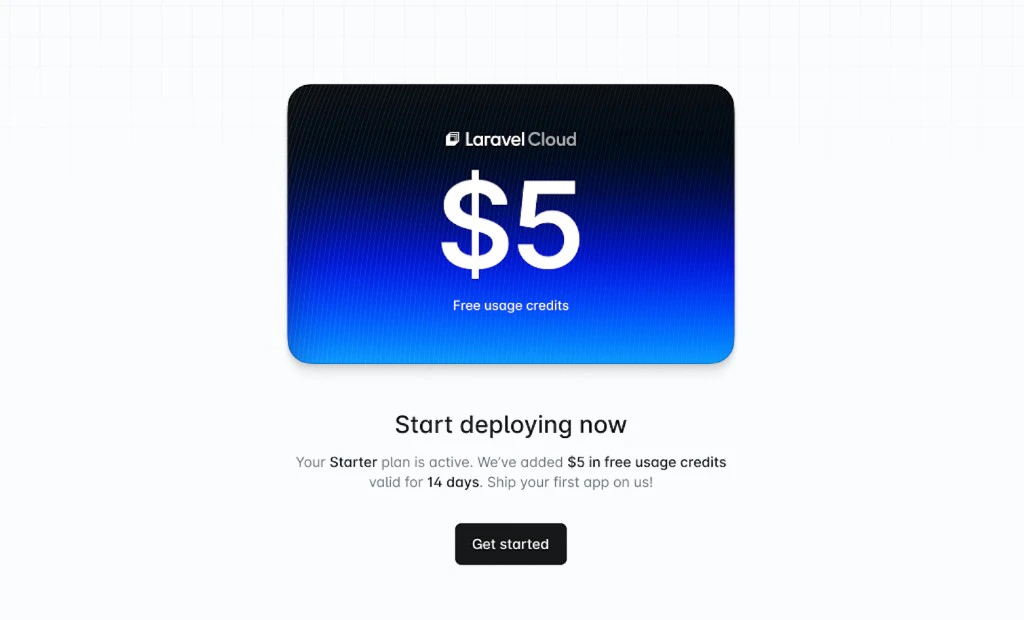
How far does $5 go?
Laravel Cloud compute and many resources can scale to zero when your application is idle, which means they stop consuming credits until traffic returns. For many users, that makes the $5 go surprisingly far. Here are a few realistic examples:| Scenario | What is running | Estimated runtime |
|---|---|---|
| Weekend tinkerer | Compute + Serverless Postgres, awake about 1 hour per day | About 4 months |
| Active side project | Compute + Serverless Postgres, awake about 4 hours per day | About 5 weeks |
| Full-stack app with cache | Compute + Serverless Postgres + Valkey | About 3 weeks |
| Everything always on | Compute, Serverless Postgres, Valkey, and WebSockets active and always on | About 7 days |